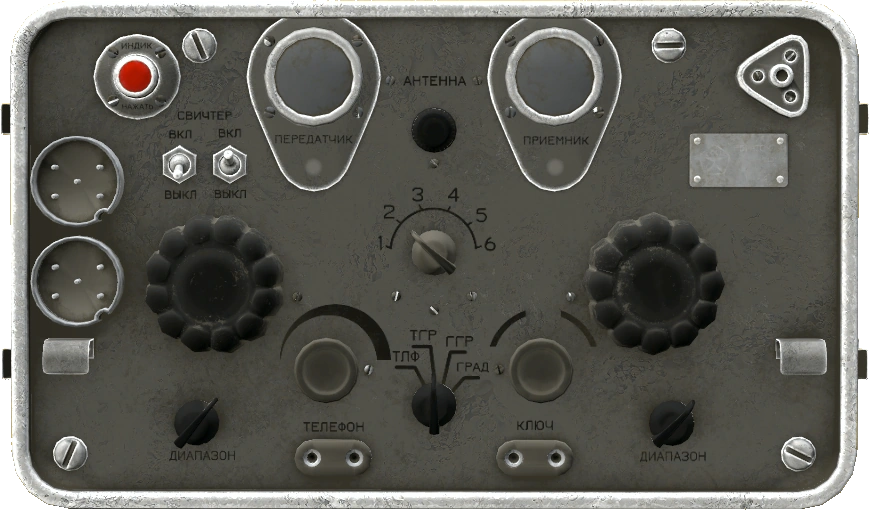
Bunker raid alarm
Build a SecureZone Defense Unit next to your hatch and get pinged on Discord the moment someone starts blowing it open — even while you are logged out.
The worst way to lose a bunker is to never find out it happened. Someone walks a stack of C4 onto your hatch while you are asleep, and you log in the next evening to an open shell and empty lockers.
The
SecureZone Defense Unit is the fix. You find it in pieces, screw it together, and stand
it near your hatch. From then on, anything that damages your bunker tags you on Discord. You do
not have to be in the game, or even at your PC. It is the difference between losing a base and
driving back to defend it.
What it actually does
The unit watches your base, not you. When your hatch takes damage from a real attacker, every station within 20 m of it rings.
Ringing means a Discord thread that tags every subscribed player, names the map you are being hit on, and links the exact spot on the travel map. Because it goes out over Discord, it finds you wherever Discord already finds you — no need to be in the game, or anywhere near it.
Since the 2026-08-21 update it also rings for the walls and doors inside your bunker. That was the gap that hurt: a raider who blew the hatch used to be able to spend the rest of the night working through your interior in total silence. Now every wall and every door they hit sets it off again, and the alert still points at your hatch on the map rather than at a spot in the sky.
Two things it does not ring for. The rough dirt and rock dividers between unopened rooms are not raidable at all, so nothing ever comes from them. And decay is not an attack — a bunker quietly losing health on its own will never wake the alarm, only a player doing damage will.
It works on a surface base too, and it is worth having there. Fences and gates ring a nearby station exactly the way a hatch does — rounds, explosives and melee all count. What does not ring it above ground is everything else: watchtowers have no alarm at all, and neither do tents, barrels, vehicles or any of the crafted furniture. So it covers your wall line and nothing beyond it. If a watchtower is the outer skin of your base, the alarm stays quiet until a raider reaches a real fence. See Territory flags and authorisation for the surface side of this.
The parts you need
Four components plus the casing they bolt into. None of them can be crafted — all five are loot.
SecureZone Defense Unit Casing — the casing. The Tier 1 keycard crate on Stuart Island
is the dependable source; the casing is a standing part of what that crate carries.
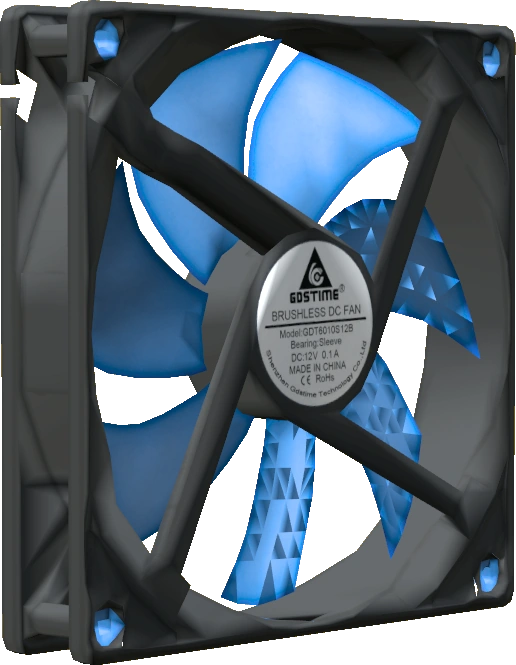
Fan — the fan. These turn up in the keycard bunkers on Livonia and
Sakhal, and reliably so once you are inside one.
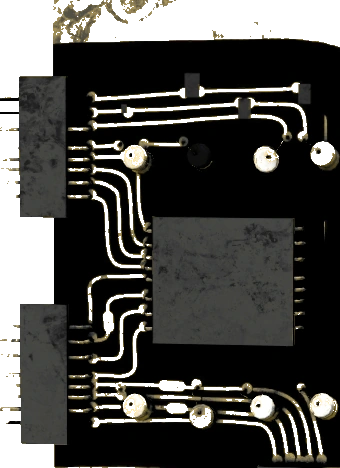
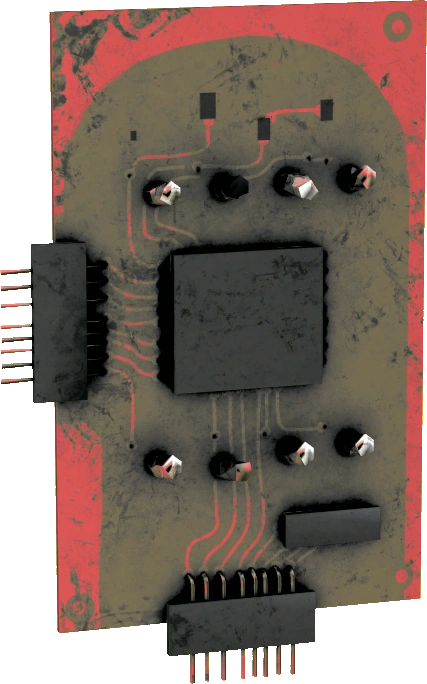
Red Circuit,
Green Circuit and
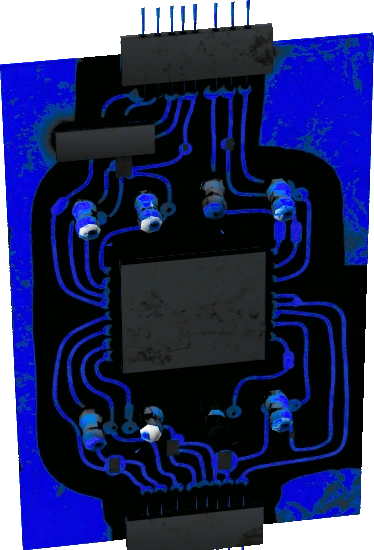
Blue Circuit — the three circuit boards. Helicopter crashes and
high-tier military loot are the usual hunting grounds, and they also show up in the higher
keycard crates. You need one of each colour; two reds and a green will not do.
Loot tables shift between wipes, so treat that as where people actually find them rather than a promise — ask in the guides channel on Discord if a part is not turning up.
Assemble it where you want it, not where you found it. A finished unit cannot go in a backpack, a vest or anything else you are carrying — it rides in your hands or it sits in a crate, a tent or a vehicle. Haul the casing and the loose parts home first and bolt them together there; a unit built at the crash site is a unit you have to walk home two-handed.
Putting it together
- Attach the fan and all three circuits to the casing, the same way you attach anything else. Ruined parts do not count; the assemble option stays hidden until all four are on and intact.
- Nothing in your hands needs to be special — but whatever you are holding must not be ruined, or the Assemble action stays hidden.
- Aim at the casing and hold the action. The casing becomes a finished SecureZone Defense Unit.
To deploy it, hold the finished unit, aim at the ground and place it like any other deployable. It needs no battery, no generator and no fuel — once it is down, it is running.
Everyone who wants alerts must subscribe, at the station
This is the step that gets missed, and missing it means a unit that sits there doing nothing while your base gets opened.
Standing up the unit does not sign anyone up, including you. Every player who wants alerts has to walk to the deployed station, look at it and use Subscribe to Alarm System ("Subscribe to Alarm System") themselves. A teammate cannot be added for them.
Link your Discord account at https://dayzed.gg before you try. The alerts go out over Discord, so an account that is not linked has nowhere to receive them. Get the link done on the site first, then walk up and subscribe.
Test it, and know how to wipe the list
- Test Alarm ("Test Alarm") fires a real alert to everyone currently subscribed, marked as a test. Use it after every setup and after every raid. A test that reaches nobody looks exactly like a broken alarm — better to learn that now than the morning after.
- Clear all users ("Clear all users") empties the subscriber list completely — you included. It is how you drop an ex-teammate, but everyone left has to subscribe again afterwards.
Lock the station, or it is a recon tool for the enemy
A station with no codelock on it is open to everyone who can walk up to it. Anyone can subscribe themselves to it, and anyone can then fire a test — which is a neat way for a raider to find out how many people defend your base before deciding whether to bother. Anyone can also wipe your subscriber list, or simply pick the whole unit up and carry it away.
Fitting a codelock closes all of that. Hold a codelock, aim at the deployed station and use Attach Codelock ("Attach Codelock"), then set a code. From that moment Subscribe, Test Alarm, Clear all users and picking the unit up are all restricted to the lock's owner and the guests they add.
Two details that catch people:
- A lock that is attached but has no code set changes nothing. The station stays open to everybody until the code is actually set. Set it the moment you attach the lock.
- Your teammates must be guests on that lock, not just on your hatch's. They are separate locks with separate guest lists, so add everyone to both.
Same rules as everywhere else on the server: keypad codelocks only, they cannot be crafted, and you need the code to take one back off. See Codelocks.
Where to put it
- It has to sit within 20 m of the hatch. That distance is measured across the map, not through the ground — depth is ignored entirely.
- Which means inside the bunker works, and is usually the better spot. Your shell sits directly beneath your hatch, so a unit standing in the entrance room is still inside the hatch's radius, and it covers your interior walls and doors as well. Nobody can reach it to smash it, wipe your list or carry it off without first blowing the hatch — which it will have already told you about.
- If you do stand one on the surface, hide it the way you hid the hatch: in a treeline, behind a wall, inside a nearby ruin — off the obvious approach but still inside the radius.
- It is not armoured. A raider who spots it can simply break it, and a broken alarm is silent.
- One station covers one bunker. A second unit is a separate alarm with its own empty subscriber list, so everyone has to subscribe at that one too.
What goes wrong
- Silence during a raid. Almost always nobody subscribed, or the station drifted out of range of the hatch. Test it.
- You subscribed but nothing reaches you. Check that your account is linked to Discord on the website — that is where alerts are sent, and an unlinked account has nowhere to receive them. Link it, then fire a test at the station to confirm.
- One ping for a long raid. A station only sends one alert per 30 s, however many rounds or charges land in between. That keeps a raid from becoming hundreds of messages, but it means the ping tells you that you are being hit, not how hard or how far along they are.
- Alerts stopped after you shuffled the team. Somebody used Clear all users. Everyone resubscribes.
- The Subscribe or Test prompt will not appear at all. If the station carries a codelock, you have to be on that lock. Get the owner to add you as a guest on the station, not only on the hatch. Right after you are added the prompt can take a moment to show up — look away and back at the unit.
- You got an alert but the hatch looks fine. Bullets and melee chip the hatch too, and they ring the alarm just like explosives do, so it may have been someone taking a hopeful shot rather than a real breach. It can also mean somebody is already inside working on your interior walls and doors. Go and read the hatch's name — it shows its condition — and if that looks untouched, check downstairs.
See also: Raiding and repairing bunkers for what a raid actually costs an attacker and how to repair a hatch afterwards, Underground bunkers for building the bunker itself, and the travel map that your alerts link into.
Last updated 2026-08-24