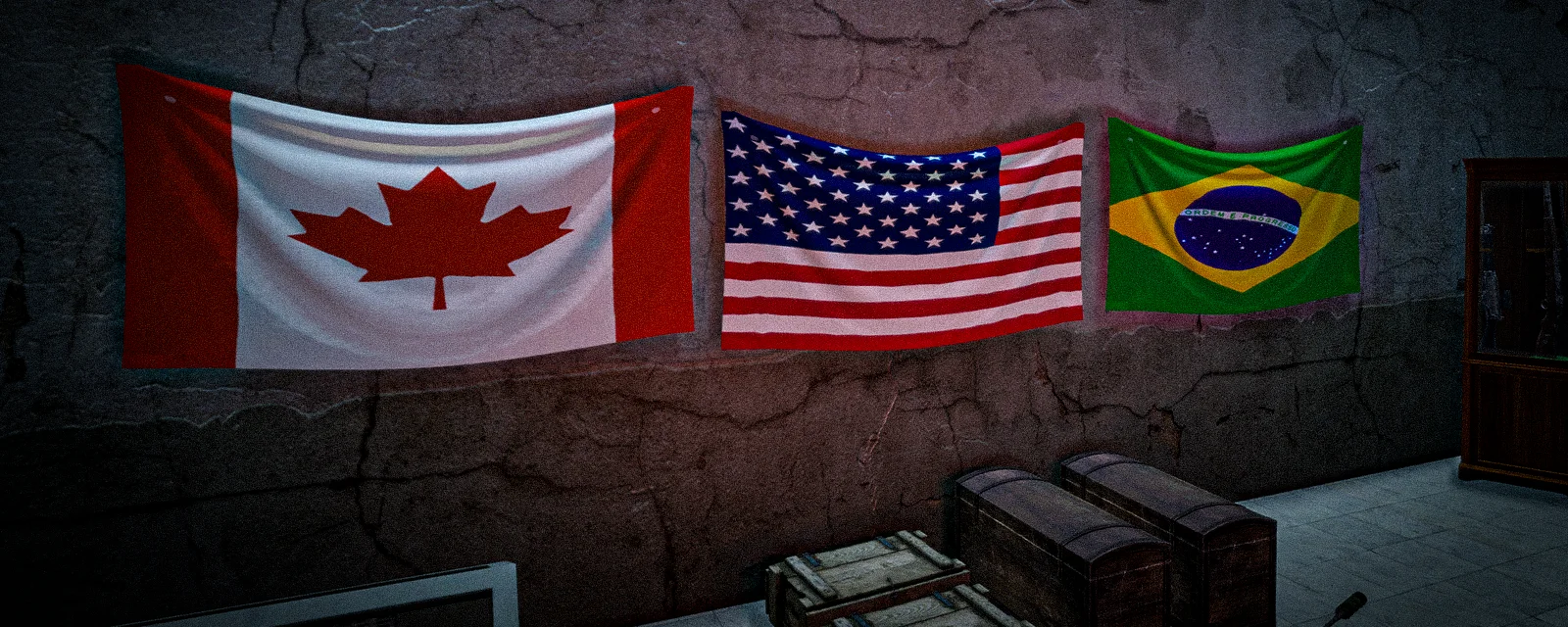
Custom flags and armbands
Put your own picture on your flag, your armband and the flag hanging in your base — and hand matching armbands to a whole group, VIP or not.
DayZ has no party system, no name tags and no friendly colours: at any real distance every player is a grey shape you have to make a decision about. A matching armband is the whole answer — and on DayZed you can put your own picture on it. One upload covers your flag, your armband and the flag hanging in your base.
What it costs
Uploading is a VIP Premium perk: dayzed.gg/vip. Visit the upload page without it and you simply get pointed there. The useful half is free for everyone else, though: an armband made by a VIP can be worn by anybody, so one person in the group uploads a design, cuts up a flag and hands the armbands out.
Two of the crafts on this page sit a tier higher than that. Putting your image on a flag or an armband is VIP Premium, but the hanging flag kit and the bandana and scarf crafts are Elite VIP — the game tells you which tier it wants when it turns you down.
Uploading your image
Go to dayzed.gg/account/custom_flag and choose a file. PNG, JPG and GIF all work.
- A crop tool opens in the browser — zoom, rotate, flip, and drag the box over what you want.
- The image is squared off on the way in, so start from a square picture. A wide banner gets squashed, not cropped.
- Transparency survives, so a logo on a clear background works nicely.
- Every upload lands in a staff review channel on Discord. Keep it to something you would be happy posting in the Discord yourself.
Then quit the game completely and rejoin. Your client downloads custom images while it is connecting, never while you are already playing, so a fresh upload stays invisible until you come back in — and it stays invisible to other players until they reconnect too. This is the one step everybody misses.
Putting it on a flag or an armband
Hold the item in your hands and use the action:
- [VIP] Apply Custom Flag Skin — any flag, including the DayZed
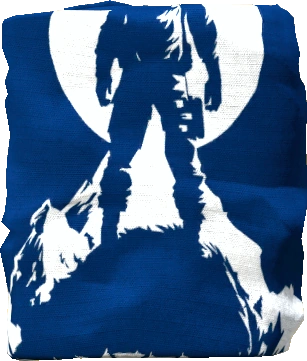 Flag.
Flag. - [VIP] Apply Custom Armband Skin — any
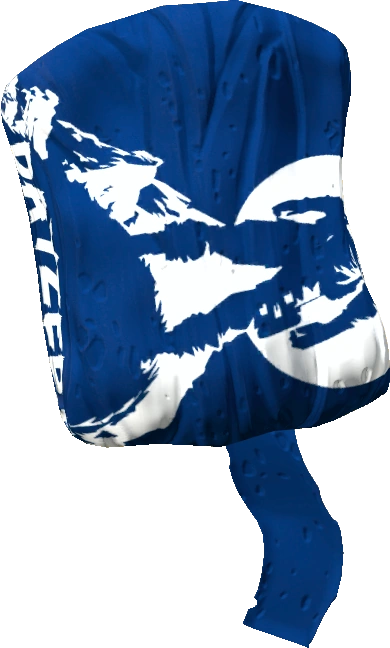 Armband, plain colours included.
There is nothing to pick: the image comes straight off your account. Upload a new picture later and old gear keeps the one it was made with — relog and run the action again to move an item across. Non-members can see the action, but using it just tells them it needs VIP Premium.
Kitting out the group
Armbands are cut from a flag and inherit whatever it is wearing at the time, so skin the flag first, then cut it.
- Put the flag and a blade in your hands. Most knives work, and so do a hatchet, machete, screwdriver, crowbar or hacksaw.
- Craft it. The flag is used up and the armbands drop at your feet, all carrying your image.
A flag still attached to a  Flag Pole cannot be cut up — not into armbands and
not into rags. Take it off the pole first, or the craft never appears.
Flag Pole cannot be cut up — not into armbands and
not into rags. Take it off the pole first, or the craft never appears.
A skinned flag can also be sewn into bandanas or scarves with a sewing kit — three bandanas or two scarves, dropped at your feet, all carrying your image, and the flag is consumed. Two catches: that craft is Elite VIP, and it only appears on a flag that already carries a custom image. A plain flag gives you nothing.
Hanging a flag in your base
A hanging flag is wall decoration that tells visitors, and raiders, whose base they are in. Unlike the armbands you can hand out, the kit itself is an Elite VIP craft.
| [VIP] Craft Hanging Flag Kit | |
|---|---|
| Makes |  Flag Hanging Kit Flag Hanging Kit |
| Needs | 2 ×  Nails (not consumed) Nails (not consumed)Flag_Base (not consumed) |
The Flag Hanging Kit carries the flag and the nails inside it as attachments. Hold the
kit, line the ghost up on a wall or post, and use Hang Flag; the attached flag's
image goes onto the hung flag.
Two things worth knowing before you commit a good flag to a wall:
- Pull the nails back out of the kit and it stops being a kit — it turns straight back into the plain flag that was inside, image and all. That is your way out if you place it wrong.
- Tear Down Flag takes a hung flag down and puts a flag back in your hands, a
little worn but still carrying the picture. It always comes back as a plain Chernarus flag,
whatever you originally hung, so a Flag you hang does not come back as one.
It authorises nobody and protects nothing. For territory you still need a
Flag Pole (Territory flags and authorisation).
What goes wrong
- No relog. Almost every "my flag is blank" report is this. Quit to the launcher and rejoin.
- Blank for your friends only. They have not reconnected since you uploaded.
- Crafting from a flag still on the pole. Take it off the pole first.
- Cutting up your only skinned flag. Armbands consume it, so a base flag needs a second one.
- A wide image. Square it yourself in the crop tool or it will look stretched.
- No bandana or scarf option. The flag in your hands has no custom image on it yet, or your account is not Elite VIP.
Clans
Clans live on the website at dayzed.gg/account/clan. A VIP Premium member creates one and it gets private channels on Discord; other players apply through the site and a leader accepts them. Nothing in game is tied to it — the armband is still what people see — but it is where the roster and the group chat live.
See also: Spray paints and reskins, Territory flags and authorisation, VIP Premium.
Last updated 2026-08-24